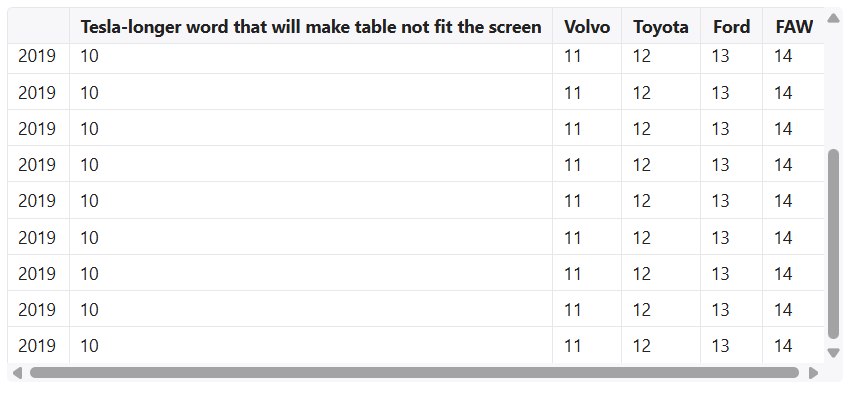
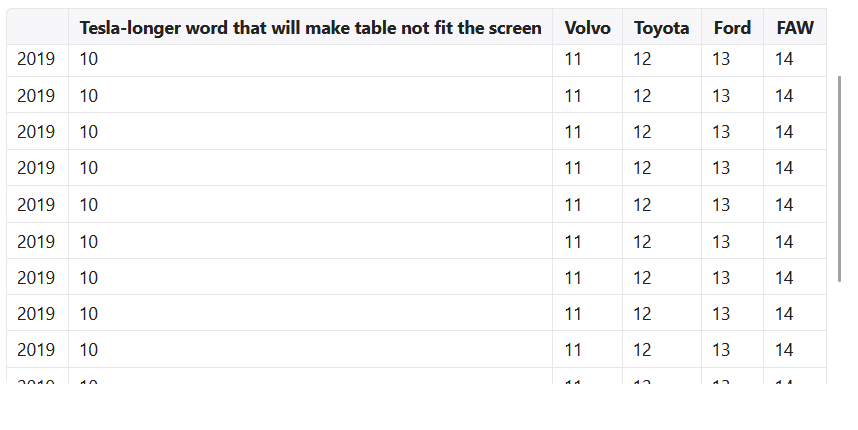
Hello! I need to make it so that when the table content exceeds the available height, the vertical scrollbar is displayed next to the table rather than at the edge of the container.
To achieve this, the updateTableWidthContainer function was implemented. I call it in the afterInit hook. Everything works fine.

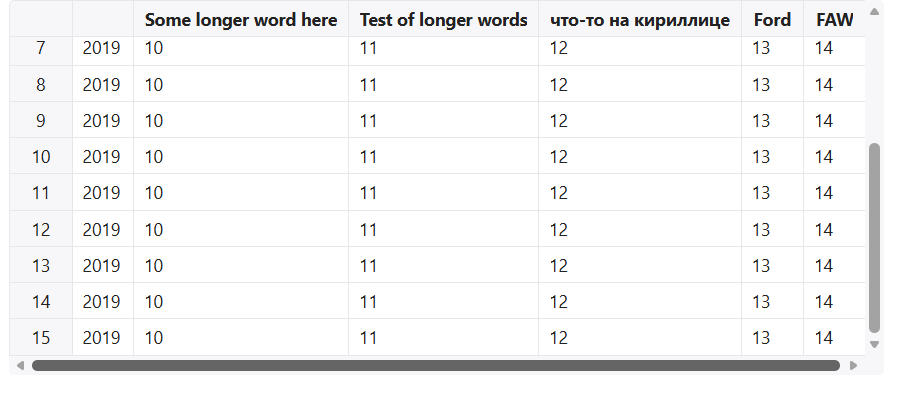
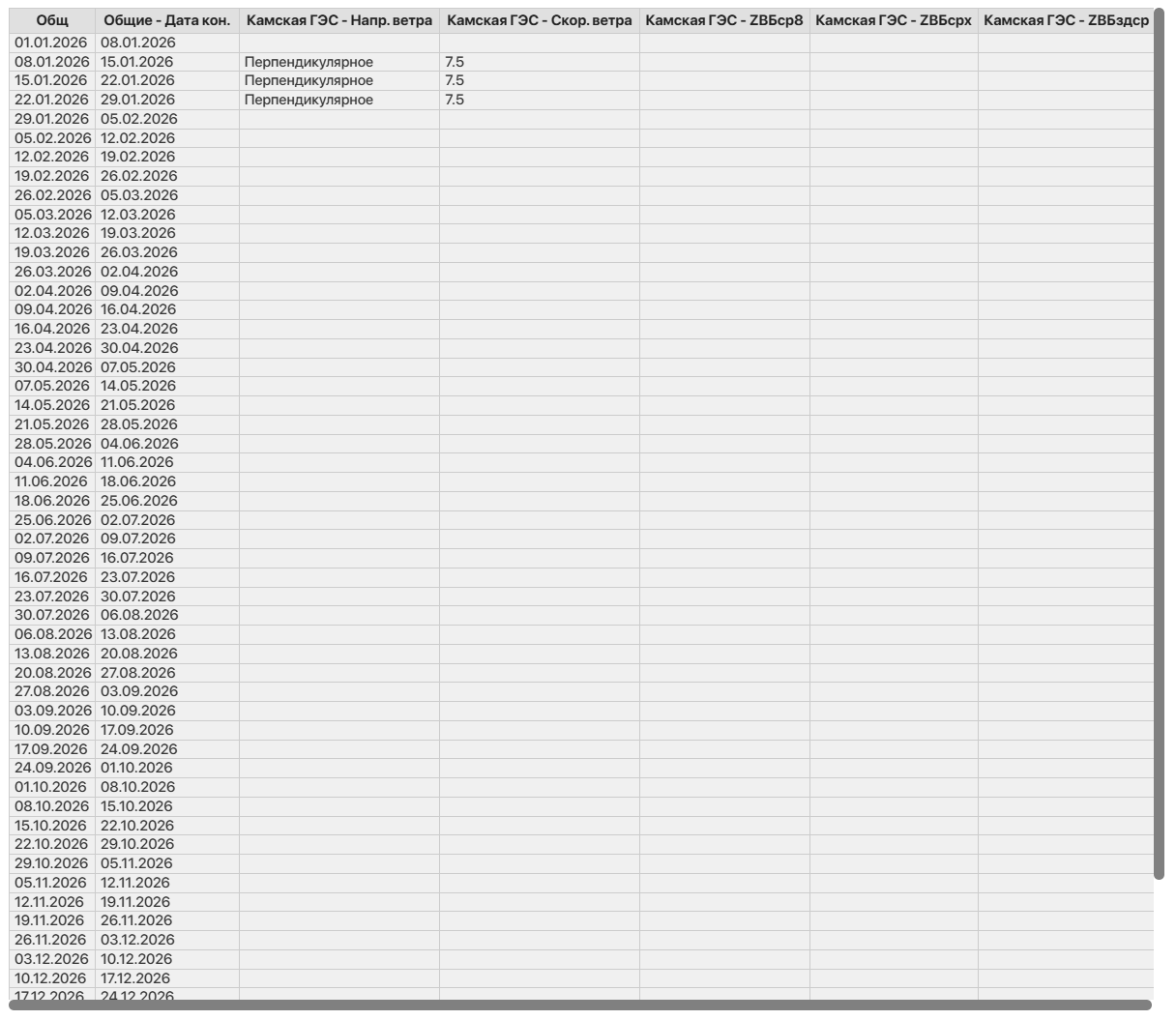
However, as soon as I change the column header styles (the table header) by adding a bold font style, a problem appears — the vertical scrollbar overlaps the table container, which causes a horizontal scrollbar to appear.
/**
 * Sets the table container width according to its actual width on the page.
 *
 * The function receives a Handsontable instance and adjusts its width so that it
 * matches the width of the internal `.wtHider` container with a small additional
 * margin. This margin (`SCROLLBAR_MARGIN`) is required to prevent the vertical
 * scrollbar from sticking directly to the table, keeping a small visual gap and
 * avoiding the appearance of a horizontal scrollbar.
 *
 * @param hot - Handsontable instance for which the width should be updated.
 */
export const updateTableWidthContainer = (hot: Handsontable) => {
  if (!hot) return

  const SCROLLBAR_MARGIN = 12

  const wtHider = hot.rootElement.querySelector('.wtHider')

  if (wtHider) {
    hot.updateSettings({
      width: wtHider.clientWidth + SCROLLBAR_MARGIN,
    })
  }
}

  const setColumnHeader: Handsontable.GridSettings['afterGetColHeader'] = (_, TH) => {
    TH.classList.add(cls.bold)
  }
  return (
    <SpreadsheetReact
      rowHeaders={false}
      data={originalSpreadsheetData.data}
      columns={originalSpreadsheetData.columns}
      nestedHeaders={originalSpreadsheetData.nestedHeaders}
      cell={originalSpreadsheetData.cell}
      afterGetColHeader={setColumnHeader}
      height='100%'
      afterInit={function (this: Handsontable) {
        updateTableWidthContainer(this)
      }}
    />
  )
As I understand it, the issue is the following: first, afterInit is triggered, where the table width is set. Then afterGetColHeader fires, which applies bold styling to the header cells. This leads to an actual increase in the width of the columns and the table as a whole. As a result, the vertical scrollbar overlaps the table itself.
How can this problem be solved? Ideally, the table width calculation should occur after the styles applied in afterGetColHeader have taken effect.
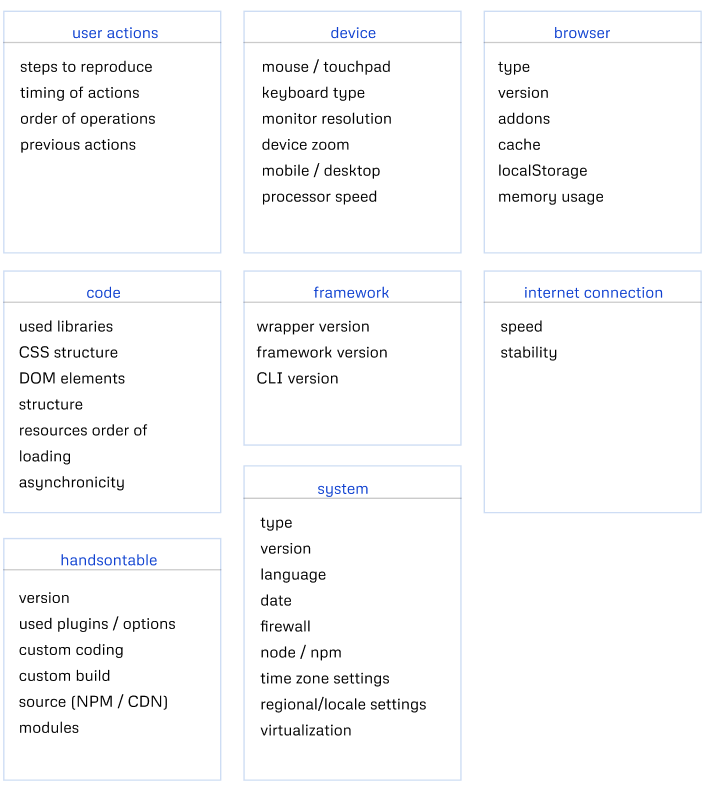
I made a code snippet, but this issue cannot be reproduced there: Handsontable example - JSFiddle - Code Playground
It’s important to note that in my case this issue occurs on Windows, but not on macOS. Apparently, style calculation works differently there.