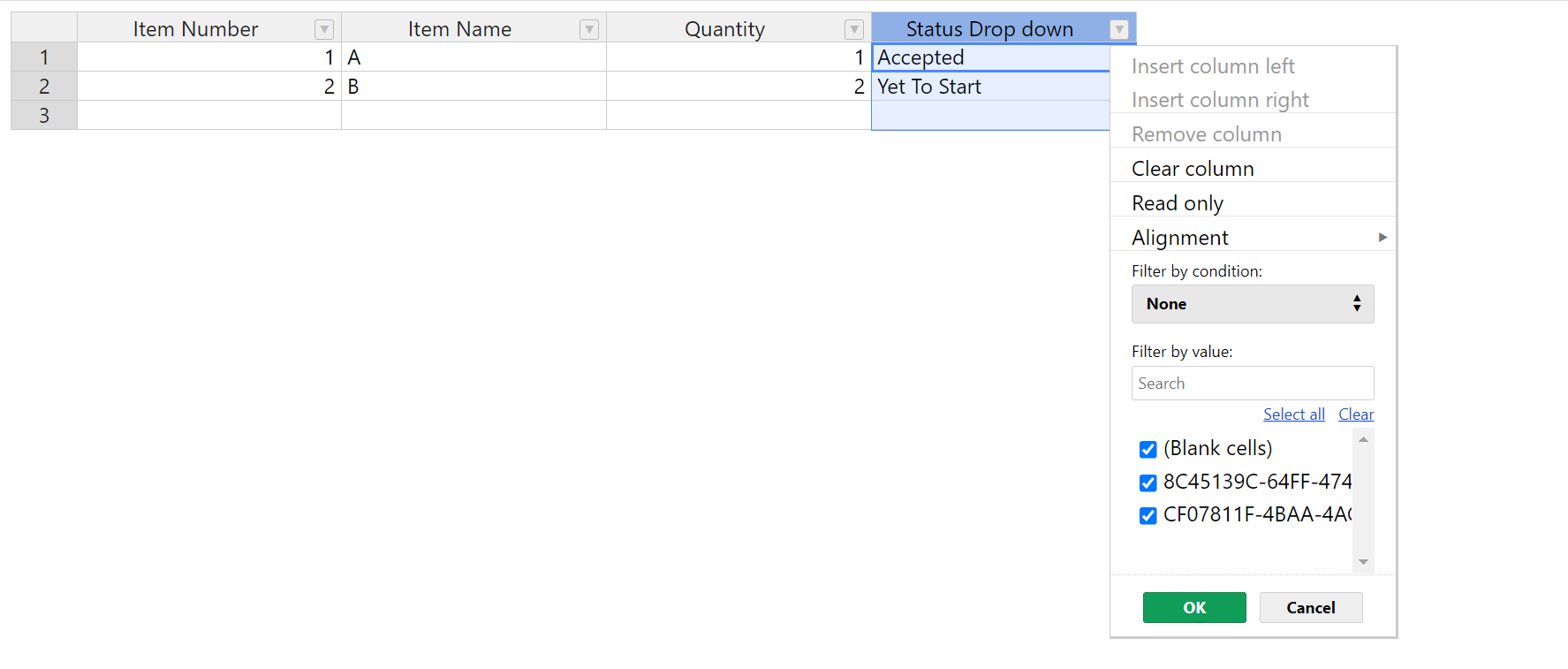
I had a key value dropdown menu in my handson table. while filtering , filter by value shows keys instead of value. is it possible to change shows instead of value by key.
Key value dropdown type cell isn’t officially supported yet, so some plugins might not work correctly with the implementation. Here’s a topic in which you can find a discussion about this issue, along with some examples of custom implementation:
Hi,
In my case key value drop down is working perfectly but while fitering the column filter values are shown keys instead of values.
demo: Handsontable example - JSFiddle - Code Playground
select options from dropdown menu and filter the values. filter results shows keys instead of values.
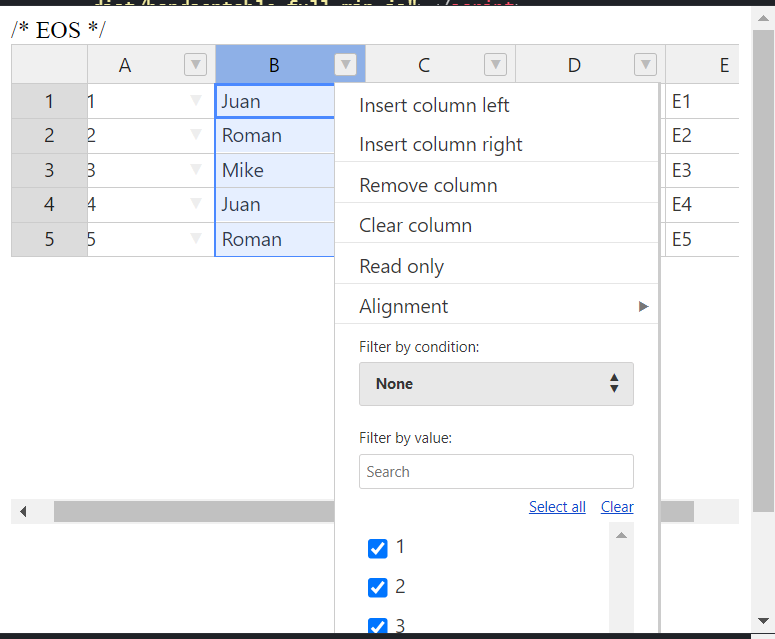
As I mentioned, this solution isn’t officially supported by us, and might cause issues in conjunction with our plugins - such as filtering not recognizing the values correctly.
HI
We know you’ve been waiting for the key-value dropdown cell type, and we have some great news.
We’ve developed a proof of concept (POC). Would you be interested in testing it before we publish it?
Hi.
We just launched Handsontable v16.1.0, where you can set up your key-value dropdown/autocomplete cell.
Here is the corresponding pull request https://github.com/handsontable/handsontable/pull/11773 that also adds two new methods: valueGetter and valueSetter.
In this guide, you can test it out Autocomplete cell type - React Data Grid | Handsontable , and here is the full list of changes Changelog - React Data Grid | Handsontable - we also added LTS support, Pagination, and a Loading screen.
Hope you’ll like it.