I have encountered an issue with handsontable (only after upgrading to v16 like related to this) inside a downscaled version of handsontable.
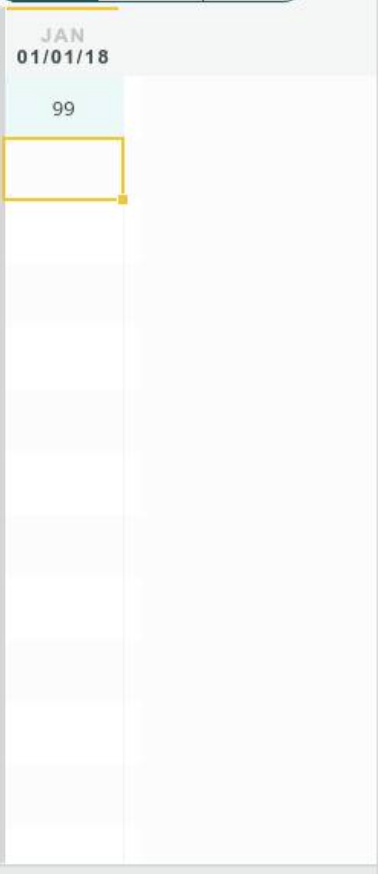
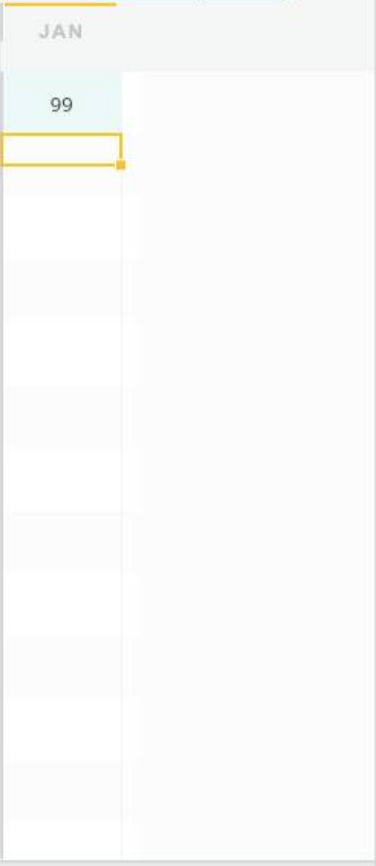
We have an automated visual testing tool in place that compares screenshots. We’re also using testem and QUnit for our automated testing, where the default behavior is to show the test view in the bottom right corner, while test results are being listed in full-screen in the background. This downscaled (50%) version shows a selected cell’s borders only in the top half of the cell, so it seems the cell’s height is not being respected during border placement calculation:
It’s not ideal to have diff showing that’s not in our control. Fixing it for us and only for our test cases only fixes the actual placement, not the calculation that’s behind it.
Thank you for sharing screenshots. It seems that the position of the table is incorrect. It shows based on the hgap between the JAN header and the rest of the table. The layers of Handsontable DOM structure are misaligned.
Could you share a demo that demonstrates how Handsontable instance is placed in the container?
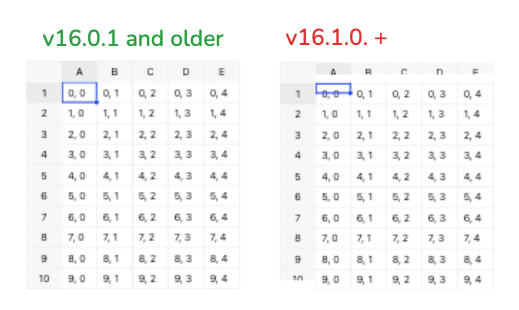
thanks for the quick reply! Here’s a minimal example where I simply followed the installation instructions to create a handsontable instance. As you can see, also here selecting a cell does not mark the entire cell as marked but only the top half, which is exactly what we experienced. There’s no need for further CSS to apply for reproduction, the basic example w/o customization already shows the issue.