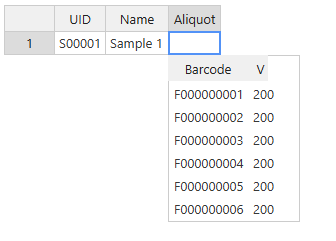
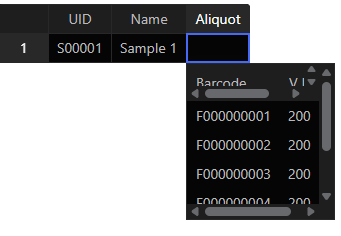
In latest 18.1.2 I managed to make editor slightly larger with code added after the NOTE1, but even header row has scrollbars: https://jsfiddle.net/54g0dsv1/
Hi @marko , thanks for the report and the fiddle examples.
The editor sets its size in open(), before your AJAX data has loaded, so the inner grid gets a fixed height for an empty table. After loadData(), the grid draws only the rows that fit in that small height. getTargetDropdownHeight() then measures only those rows. That’s why the editor grows one row per keypress.
To fix it, set the inner grid back to 'auto' and render it before you measure. In your queryChoices() callback, replace the NOTE1 block with:
source.call(this.cellProperties, query, (data) => {
  this.rawData = data;
  this.updateData(this.formatData(data));

  // Let the inner grid draw every row, then measure it
  this.htEditor.updateSettings({ width: 'auto', height: 'auto' });
  this.htEditor.render();

  this.htEditor.updateSettings({
    width: this.getTargetDropdownWidth(),
    height: this.getTargetDropdownHeight(),
  });
  this.refreshDimensions();
  this.flipDropdownVerticallyIfNeeded();
  this.flipDropdownHorizontallyIfNeeded();
});
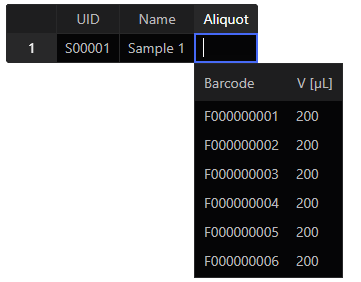
With this change on 18.1.2, the editor shows all rows with no scrollbars on the first open. It also resizes when a search returns fewer rows.
If the AJAX call can return a long list, you can cap the height by overriding getTargetDropdownHeight(), for example Math.min(super.getTargetDropdownHeight(), 300). Otherwise the editor grows to fit every row.