Hello,
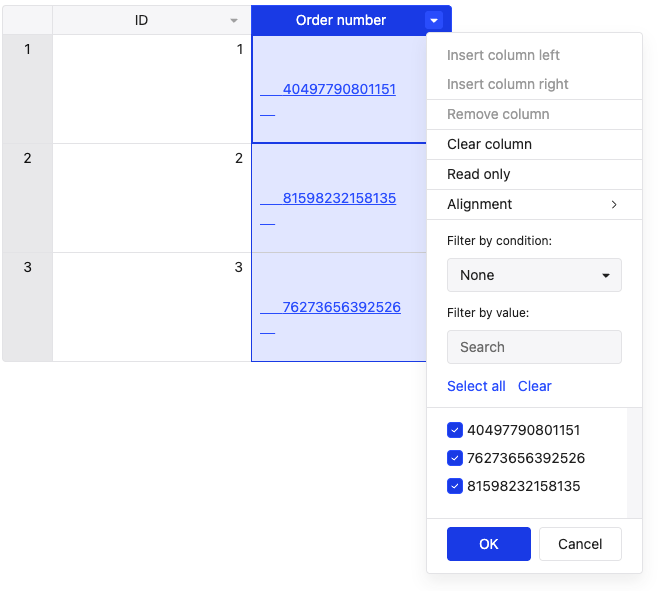
I have some fields that display HTML content, such as links and images. They work perfectly, but when I use the dropdown filter, they appear like this.
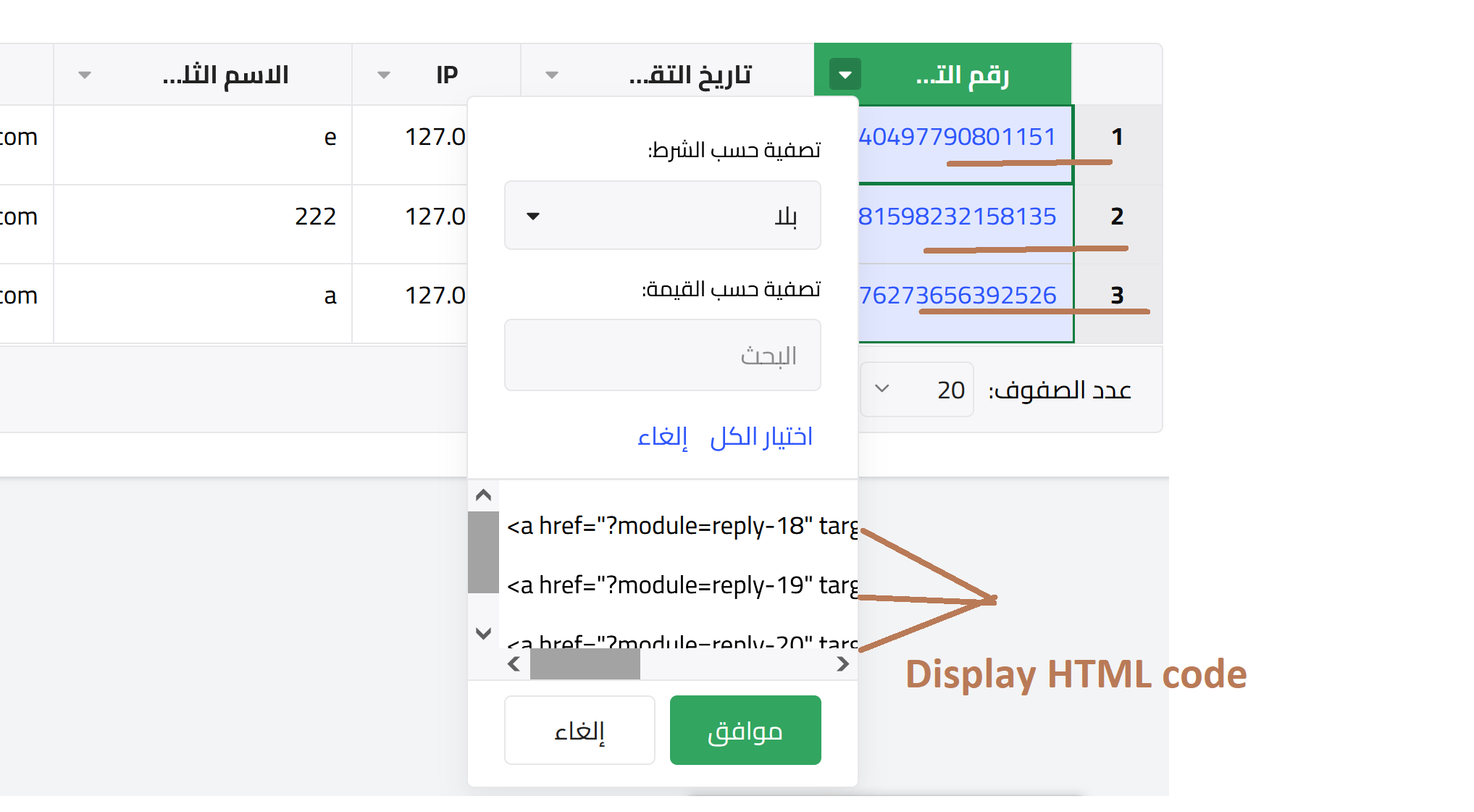
how can solve this issue?
Hello,
I have some fields that display HTML content, such as links and images. They work perfectly, but when I use the dropdown filter, they appear like this.
how can solve this issue?
Hi @ykifahh, thanks for sharing the screenshot, that helps a lot.
The filter dropdown uses the raw data value, not the cell renderer, which is why it’s displaying the HTML instead of the rendered link. This behavior isn’t configurable out of the box.
To resolve this, you’ll need to adjust the dataset to contain a filter-friendly value and use a custom cell renderer to generate the clickable link in the table.
Here’s a small demo showing this approach: Handsontable example - JSFiddle - Code Playground
Outcome
Thnaks  solved