Hello,
I try to set readonly = true.
unfortunately, it seems not working with setCellMeta.
Any idea ?
I have done a Handsontable example - JSFiddle - Code Playground to show an example.
thanks
Hello,
I try to set readonly = true.
unfortunately, it seems not working with setCellMeta.
Any idea ?
I have done a Handsontable example - JSFiddle - Code Playground to show an example.
thanks
Hey @alexandre.quere
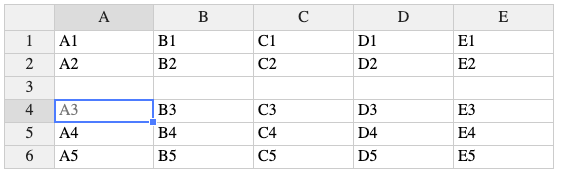
I can see that you are using setCellMeta in the afterCreateRow hook. This hook doesn’t fire on the initialization. so either I can copy paste data to create new rows or use a context menu to test it out.
Context menu
I used th Insert row above (on row index 2)
A3 readOnly.
That seems to work as expected, but I guess that your requirements are different?
indeed.
this is my issue: I created a methode using setCellMeta that set the readOnly to true after clincking on a button.
The problem is the cell is still editable after that.
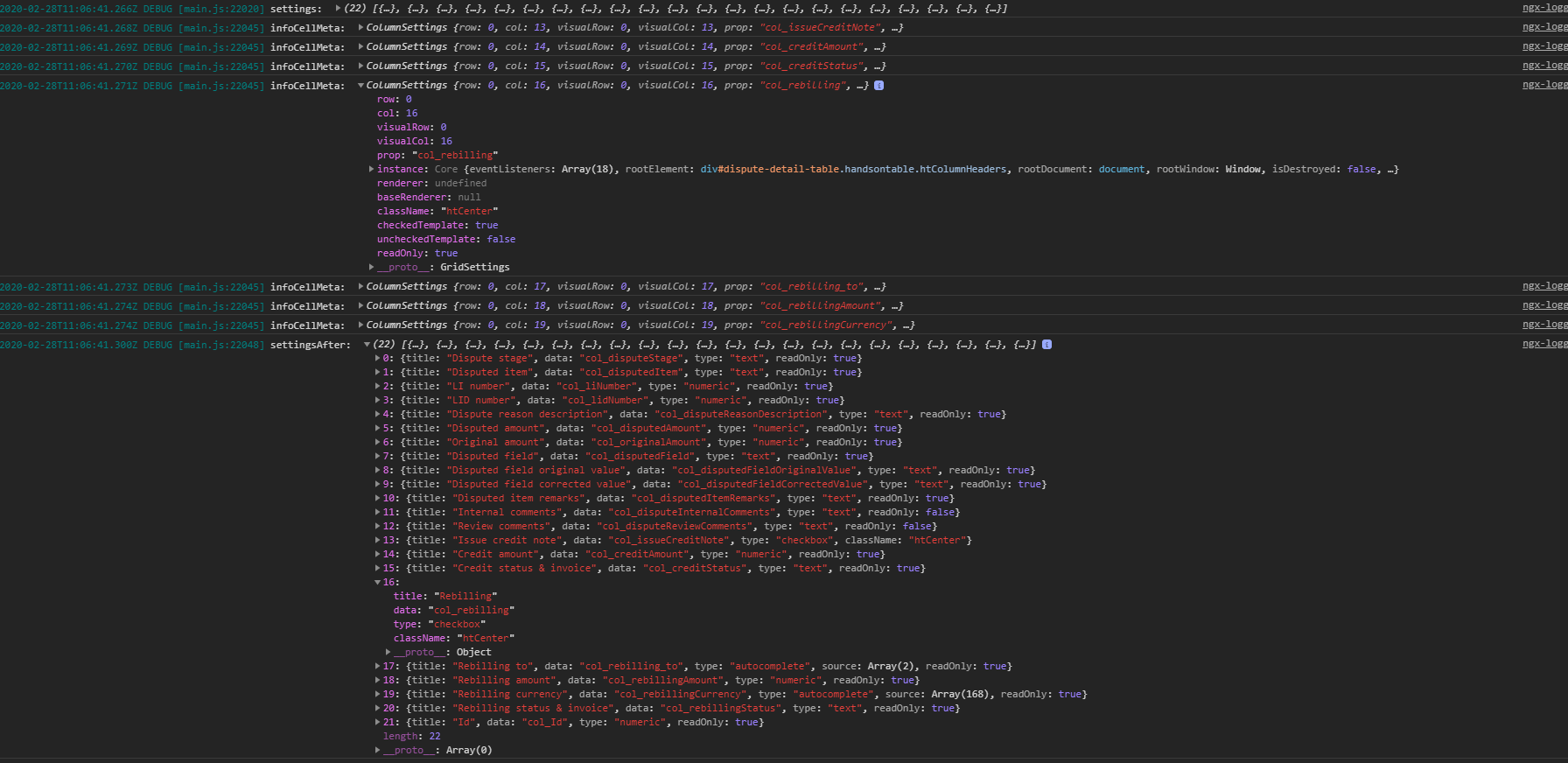
I show you a few log.
My question is: is the setting of handontable can override my change after the hotInstance.render() ?!
If you have global settings or settings in cells/columns they may change the readOnly state added by setCellMeta.
ok, I will focus on this.
thank you for this information.
You’re welcome.
I’m closing the topic as there aren’t any unanswered questions. Feel free to open a new ticket when needed.