Refresh the data table

Hello,
Is there a way to properly refresh the dataset table? The code I’m currently using doesn’t seem to work. I’m calling it like this:

onclick="hot.render(); hot.refreshDimensions();"

When I modify the data and click Refresh, the table does not update or return to the original dataset.

Do you have any suggestions on how to solve this correctly?

Thanks a lot.

Hi @ykifahh

Can you please share your current implementation in a code demo where the situation can be replicated? It will be easier to propose solution this way.

Well, it is not possible to share the code on demo because it is very large and connect to the database(very complicated)

Simply put, I have a button like the one shown in the image. When I click Refresh, I want to restore the original data—so if a row or column was deleted, it returns to its original state.

@ykifahh

In this case you should rather use this method: Core API reference - JavaScript Data Grid | Handsontable to reload the data.

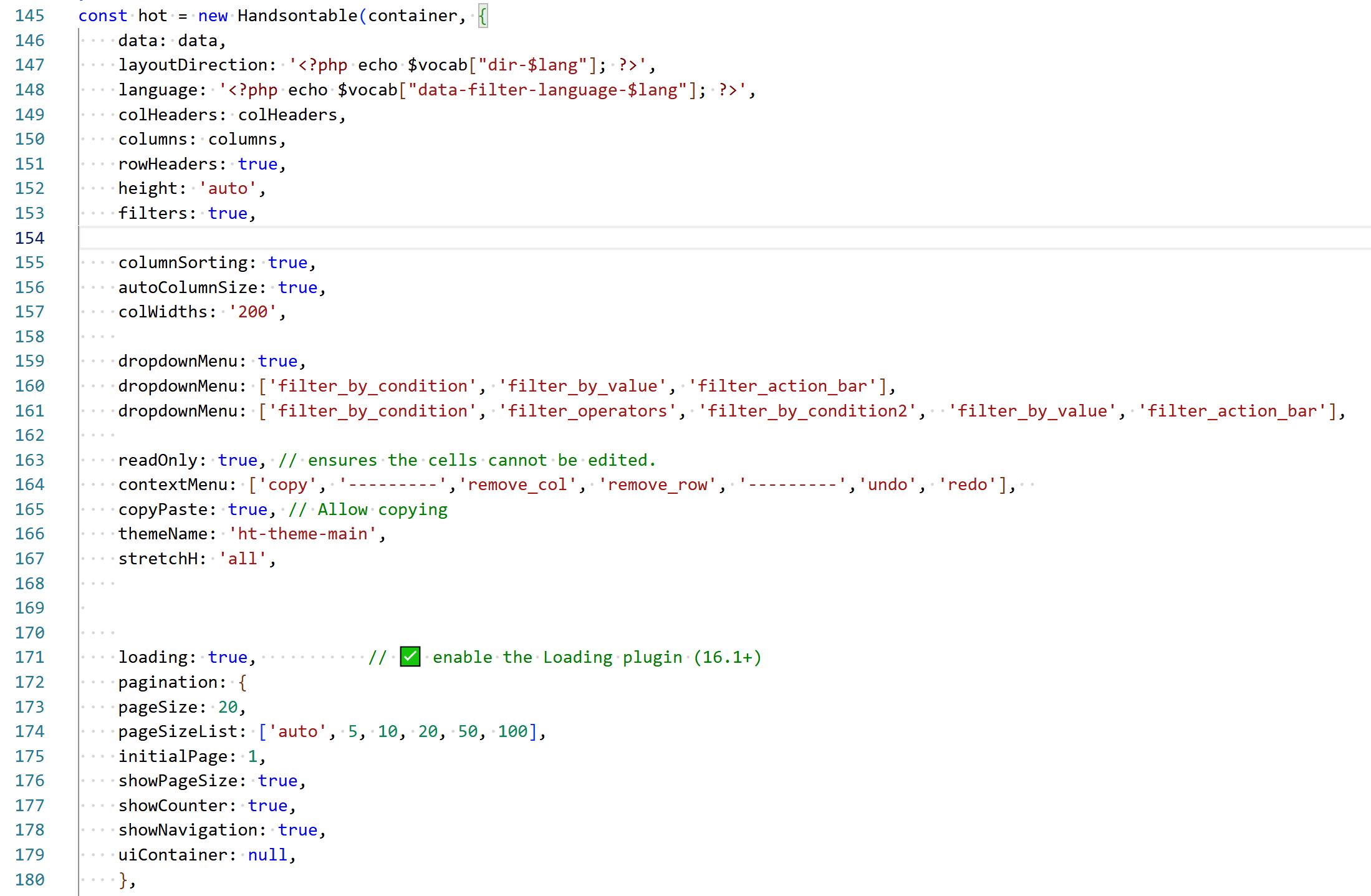
Thank you for your reply. To keep things simple, here is simple code:

When I remove a row, I want the Refresh button to restore the original data. Is there a simple way to do this?

Also, can you please let me know why I can’t remove a column? why it is disable and how can I make it enable? while keeping the type of the header

@ykifahh

You should use the method I sent you in my previous message, it allows you to reload the data. As for the column removal, I also answered in your other topic.

Thnak you